
Deployment schemes
The appliance connects the same way in any network, only the attachment point and the edition change. Below are six typical schemes, from a small office to a power facility.
- Gbit, two appliance editions
- 2.5 / 30Gbit, two appliance editions
- typical deployment schemes
- 6typical deployment schemes
- change in the existing network
- 1change in the existing network
The traffic copy flows one way: the appliance only listens
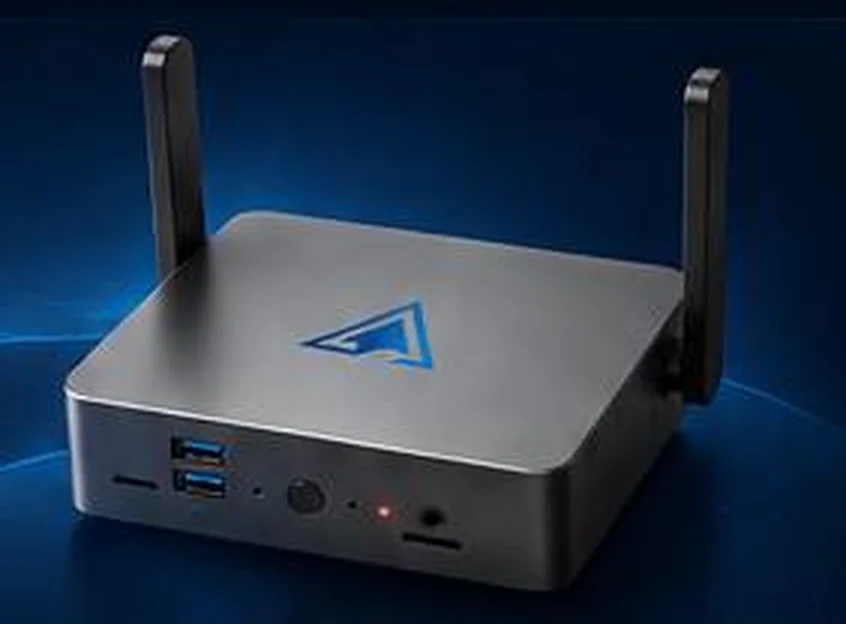
LAN2 receives the copy · LAN1 management
Web interface, event export, notifications to the duty officer
Six typical schemes
The scheme is chosen by the traffic volume in the observed segment and by how many sites need coverage.
- 01
Flat network of a small organisation
SOFIT PAKup to 2.5 Gbit/sOne switch, workstations, printers and Wi-Fi access points. The appliance connects to the switch mirror port and to the management segment where the administrator workstation sits.
- One device covers the whole network
- Management through the web interface from the administrator workstation
- Wi-Fi is covered by the built in antennas
- 02
Multi tier network with a server cluster
SOFIT PAK Proup to 30 Gbit/sSeveral switching tiers, a server cluster and user segments. The appliance sits closer to the network core, where the bulk of traffic between servers and clients passes.
- Mirroring from the core switch
- Visibility of traffic between servers and user segments
- A dedicated management subnet
- 03
Multi tier network with the server segment under watch
SOFIT PAK Proup to 30 Gbit/sThe same scale, but the attachment point is chosen differently: the server segment itself goes under observation. This suits the case where the data matters more than the workstations.
- Focus on traffic to application servers and databases
- Less noise from user traffic
- Server configuration integrity over SSH and WinRM
- 04
Several appliances under one management point
SOFIT PAK and SOFIT PAK Pro2.5 and 30 Gbit/sBase devices cover individual segments and sites, the high performance one sits in the core. They are all operated from a single management centre.
- Different editions in one infrastructure
- Each appliance covers its own segment
- A shared picture in a single management centre
- 05
Distributed network with branch offices and a DMZ
SOFIT PAK, SOFIT PAK Pro and firewalls2.5 and 30 Gbit/sA head office, a demilitarised zone with public services, remote sites over secure channels and a dedicated information security unit. Events from every appliance go to the SIEM.
- An appliance at every significant site
- Observation of the DMZ and the external perimeter
- Event delivery to the SIEM over syslog and as JSON
- 06
A typical power facility
SOFIT PAK and SOFIT PAK Pro2.5 and 30 Gbit/sCorporate and technology data segments, dispatcher workstations, automatic control systems, electricity metering and industrial protocols. Appliances go into both segments and the cybersecurity team gets a single picture.
- Separation of the corporate and technology segments
- Observation of industrial data transfer protocols
- Integrity control of network equipment configurations
- Event delivery to the cybersecurity centre
How the deal and the rollout go
Below is the honest sequence of work. Nothing hidden shows up later as a request to buy something extra.
Request and first conversation
A 30 minute callYou describe the infrastructure: how many sites, which network equipment sits in the core, whether you have an in house security team and an event collection system.
Choosing the edition and the scheme
On our sideWe decide where the appliance goes, which edition matches the traffic volume and whether several devices are needed across sites.
Quotation
Within one business day after the schemeWe send an offer with the delivery contents, the connection scheme and the timeline. The price is calculated for a specific configuration, which is why there are no prices on the site.
Live demonstration
On request, before signingWe show a working interface: logs, network map, vulnerability scanner, honeypot. We answer questions from your network administrator.
Delivery and installation
A single visitYour administrator enables port mirroring, the appliance goes into place and connects with two patch cords. The software boots in up to five minutes.
Configuration and handover
On the installation dayWe configure time, network, scanning tasks, notification delivery and SIEM export. We show the duty shift how to read the logs and what to do with alerts.
Ongoing support
For the whole service lifeLicence renewal, software updates from the web interface, consultations on detection rules and event analysis.
Common deployment questions
- Does the network have to be stopped during installation?
- No. The appliance connects to a mirror port and takes no part in data transmission. The only operation on live equipment is enabling port mirroring, which is done without breaking connectivity.
- Do agents have to be installed on employee computers?
- No. The appliance analyses traffic and probes the network from the outside. An account on a device is only needed for file integrity monitoring, and only if you choose to use it.
- What happens if the appliance goes down?
- The network keeps running as if the device had never been there. Only event collection stops, and there will be no data for the outage period.
- Is one device enough for several sites?
- The appliance sees the traffic of the switch it is attached to. For several sites you place one device per site and consolidate events in a shared collection system.
We will prepare a quote for your network
Tell us about your infrastructure: how many sites, which switch sits in the core, whether you already run a SIEM. We will pick the edition and the connection scheme, and calculate the cost.
- We reply within one business day
- We design the connection scheme for your topology
- We show the interface on a live demo unit