
Technical specifications
Every value comes from the appliance operating manual. If you need a parameter that is missing here, just ask and we will send the relevant extract.
- throughput of the base edition
- 2.5 Gbitthroughput of the base edition
- maximum power consumption
- 170 Wmaximum power consumption
- software version
- 0.4.10software version
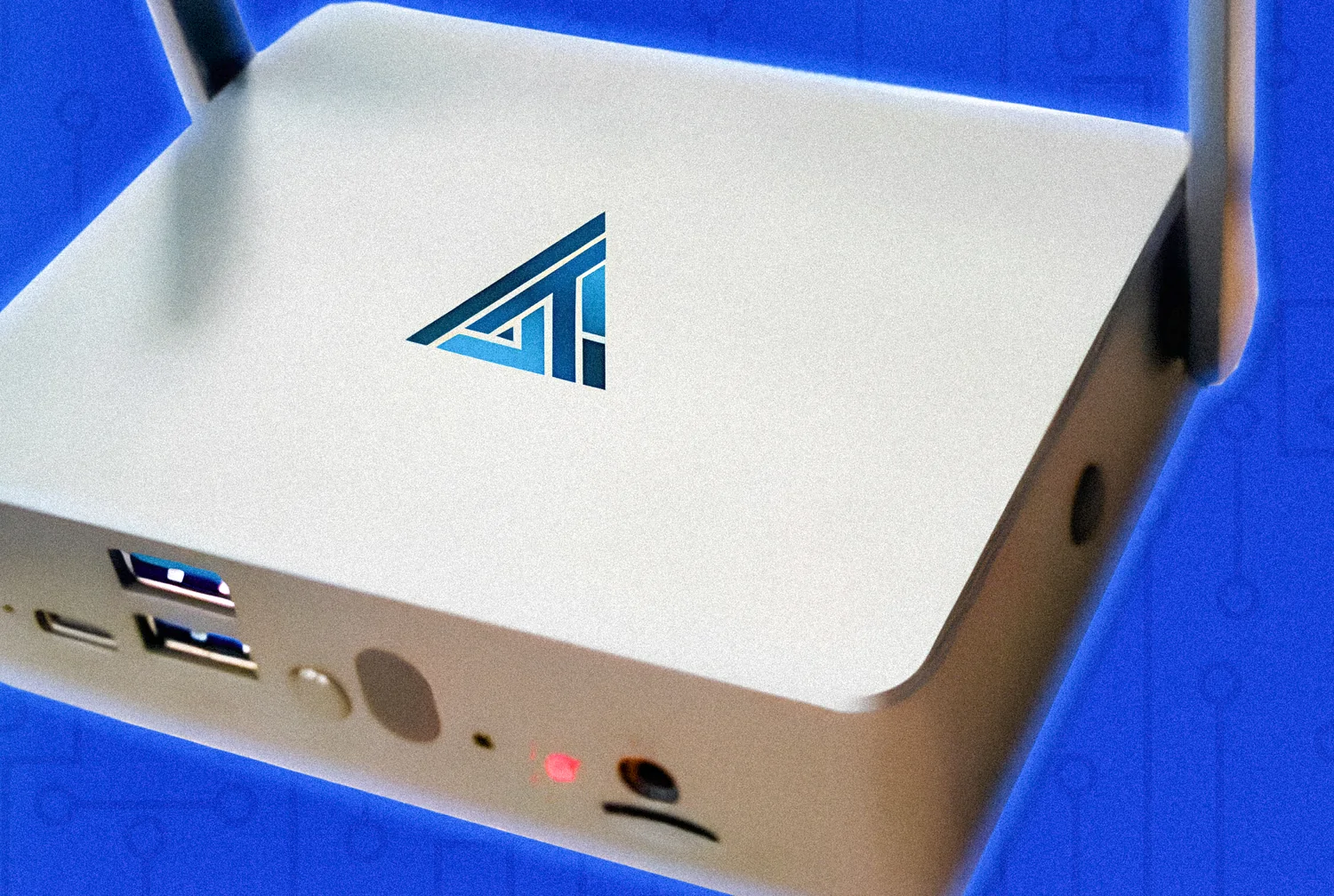
Interfaces
| Ethernet | 2 × 10/100/1000M/2.5G |
|---|---|
| USB 3.0 | 2 ports |
| USB 2.0 | 2 ports |
| HDMI | 3 connectors |
| Type-C power supply | 1 connector |
| Wi-Fi | Two external antennas, 2.4 and 5 GHz bands |
Power and operation
| Supply voltage | 220 V alternating current, up to 10 % deviation |
|---|---|
| Mains frequency | 50 Hz |
| Power consumption | no higher than 170 W |
| Power supplies included | 1, external |
| Operating temperature range | from +10 to +35 °C |
| Placement | a desk or another stable horizontal surface |
| Technical inspection | at least once every six months |
Network and management
| Simultaneously active interfaces | 2, in different subnets |
|---|---|
| Default address on LAN1 | 192.168.0.1 |
| Default address on LAN2 | 192.168.0.2 |
| Address configuration | manual or DHCP, DNS manual or automatic |
| Time synchronisation | NTP servers by address or URL, or manual setting |
| Management interface | web browser, Google Chrome recommended |
| Interface languages | Russian and English |
| Software boot time | up to 5 minutes |
Detection and scanning
| Network activity event categories | 43 across four severity levels |
|---|---|
| Custom rule number range | from 1,000,000 to 2,000,000 |
| Network scan profiles | 8 |
| Maximum port range | from 1 to 65,535 |
| Vulnerability scanner task types | 4 |
| Vulnerability severity scale | CVSS from 0.0 to 10.0 |
| Detection reliability indicator | QoD from 0 to 100 % |
| Task schedule | every minute, hourly, daily, weekly or CRON |
| Emulated decoy services | 10 |
| Maximum honeypot statistics period | 31 days |
Integration and export
| Event export protocols | syslog and JSON |
|---|---|
| Default syslog port | 514 |
| Verified receivers | Wazuh, MaxPatrol SIEM |
| Report formats | HTML, JSON, XLSX |
| Traffic export | PCAP, with a built in viewer |
| Notification channels | email over SMTP, SMTP TLS, IMAP and Telegram |
| Notification interval | from 5 minutes to 2 hours |
| Integrity monitoring protocols | SSH, WinRM, SMB, FTP |
| Operating systems under integrity control | Windows, Linux |
Accounts and access
| User login | email address |
|---|---|
| Password length | from 8 to 200 characters |
| Password requirements | lowercase and uppercase Latin letters, non alphabetic characters |
| Ready made roles | system administrator, administrator, auditor, engineer, operator |
| Permission granularity | per module and per individual operation |
| User action log | user, action, address, time, response code |
Protocols the appliance dissects
The list comes from the documentation and from real interface logs.
Network and transport
- IPv4
- IPv6
- TCP
- UDP
- ICMP
- ICMPv6
- ARP
Service and application
- DNS
- DHCP
- DHCPv6
- NTP
- SNMP
- MDNS
- LLMNR
- NBTNS
- HTTP
- HTTPS
- FTP
- SSH
- Telnet
- RDP
- SMB
- NTLM
- DCERPC
- SMTP
- IMAP
- SIP
- MQTT
- XMPP
- Memcache
- BitTorrent
- syslog
Wireless
- 802.11
- 802.11e
- 802.11w
- WPA
- WPA2
- WPA3
- WPA2-PSK
- SAE
- TKIP
- AES-CCMP
- WPS
Safe operation rules
A short version of what the operating manual states.
- If the device was stored below freezing, keep it at room temperature for at least an hour before powering it on
- Keep it away from moisture and do not use it near water sources
- Disconnect the power supply from the socket before any maintenance work
- Make sure the voltage on the power supply label matches your local mains voltage
- Do not operate the device with a damaged power cord
- Never insert foreign objects into the chassis openings
- Store it in the manufacturer packaging in a dry heated room
We will prepare a quote for your network
Tell us about your infrastructure: how many sites, which switch sits in the core, whether you already run a SIEM. We will pick the edition and the connection scheme, and calculate the cost.
- We reply within one business day
- We design the connection scheme for your topology
- We show the interface on a live demo unit